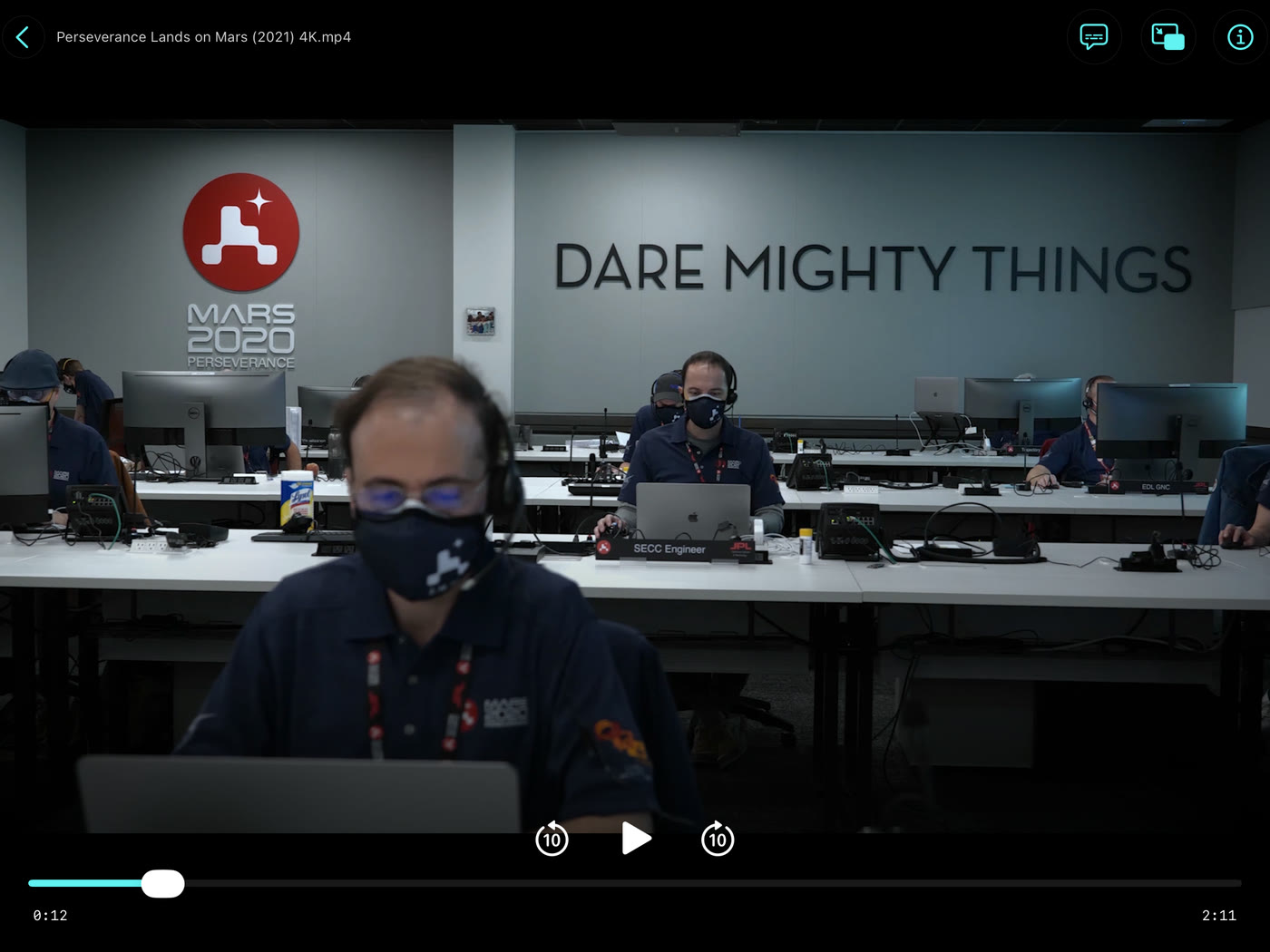
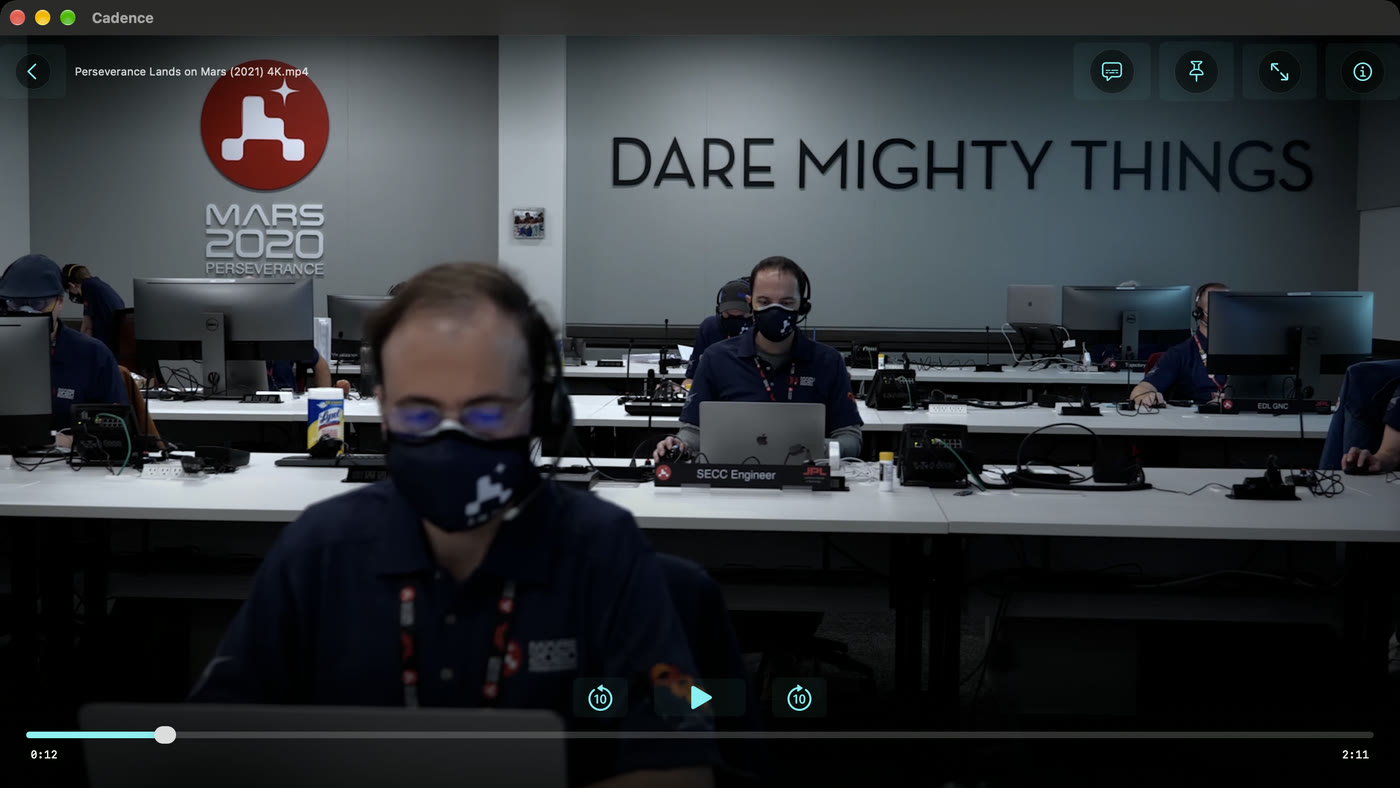
Point it at a folder, or at your NAS, and press play. Cadence is a small, fast, native player that reads what is on your disk and plays it beautifully — every common format, sound mixed for whatever you are listening on, subtitles you can read from the sofa — and does nothing else. One purchase. No subscription, no adverts, no account.
Your files. Your folders. A player that gets out of the way.
Most people who keep their films on a NAS keep them tidy: Films / Arrival (2016) / Arrival.mkv, Shows / Bluey / Season 1 / …. Cadence takes that at face value. It does not scan, catalogue or decorate your collection — it opens the folder, plays the file, and remembers where you got to.
Browse, don't catalogue
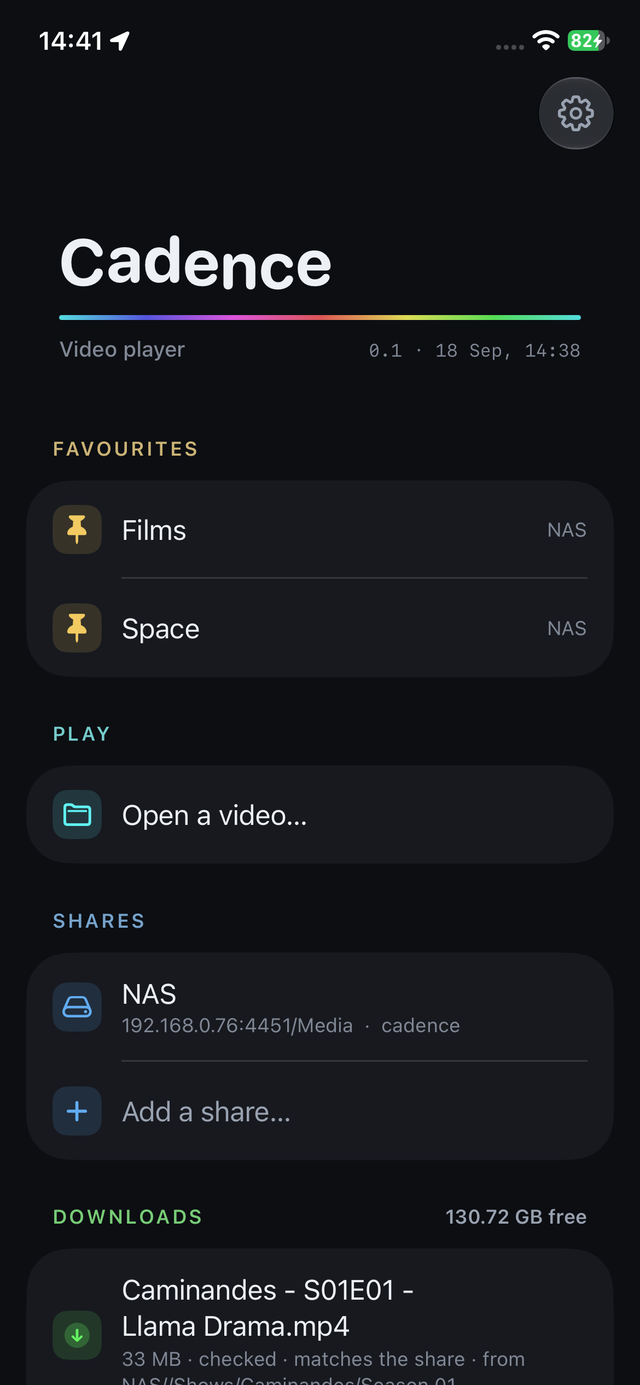
Add a share once — name, host, user, password — and browse it the way you named it. Pin the folders you use most and they sit on the front page. Open a file from this device and it is remembered too.
Every film keeps its place. Come back and it offers to continue from where you stopped, or start again; finish an episode and the next one follows.
Native, small, quick
Written in Swift on Apple's own frameworks, for each screen it runs on: a real Mac window, a real iPhone app, not a web view in a box. Video decodes on the hardware and goes to the screen without being copied, so a film costs a fraction of one core.
It opens in a blink and is kind to a battery.
Paid once
One price on the App Store. No subscription, no adverts, no in-app purchases, no account to make and no card on file with us — Apple handles the payment and we never see it.
Updates are updates, not upsells.
Features
Everything a player needs, and the details that make it a pleasure.
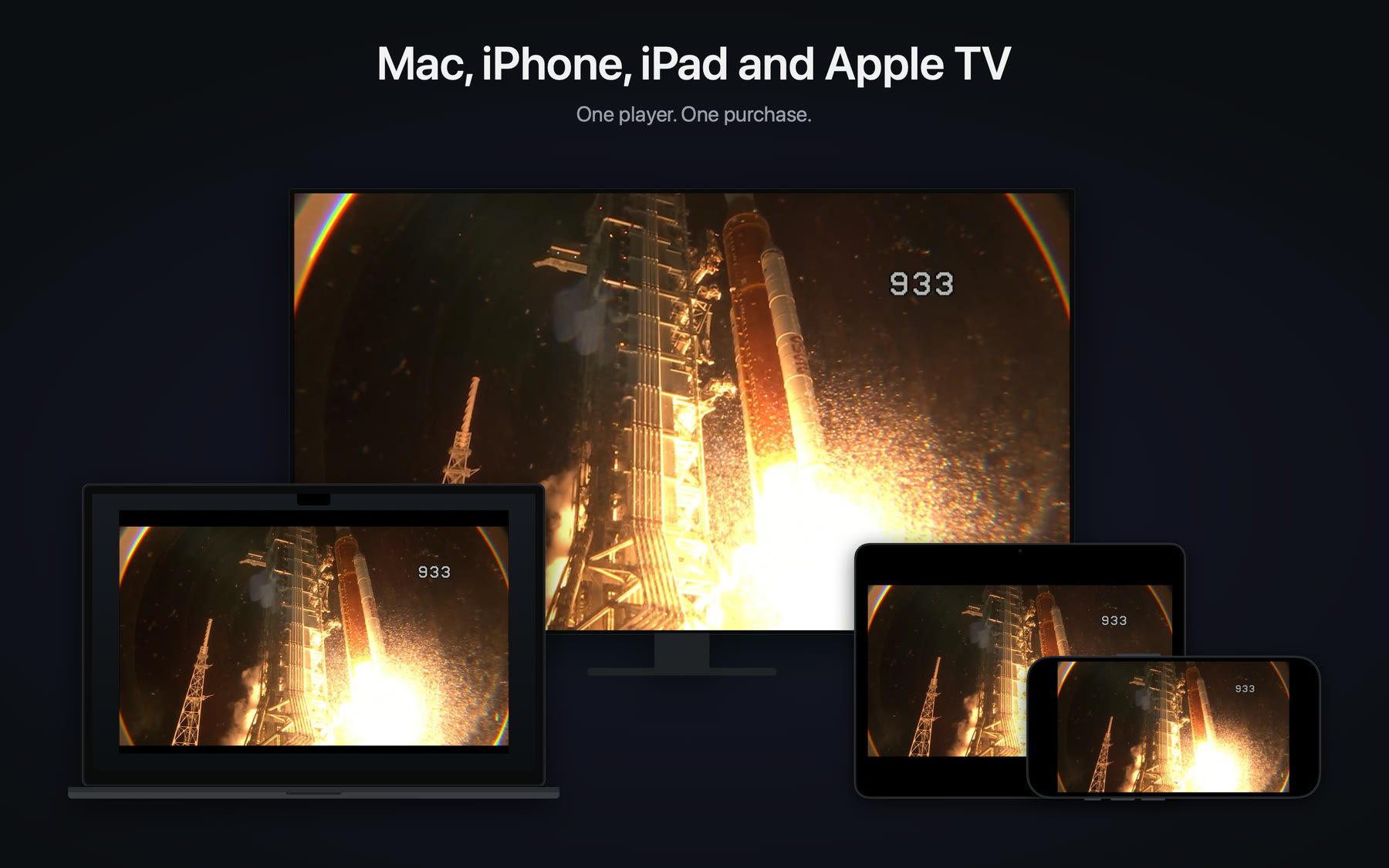
Every Apple screen, done properly for each
The same app, laid out for the device it is on rather than stretched to fit. On the Mac it is a proper window: pin it to stay on top while you work, go full screen with a double-click anywhere on the picture, delete a share with a trash button rather than a hidden gesture. On iPhone and iPad it turns with you, uses the whole screen or stays clear of the camera cutout — your choice — and keeps playing in the background. On Apple TV the Siri Remote does what you expect, scrubbing included.
macOS 26 and later — a window, a floating window, or full screen
iOS 26 and iPadOS 26 — portrait, landscape, Split View, Picture in Picture
tvOS 26 — the Siri Remote: click to pause, swipe to skip, up for the soundtrack and subtitles, and a timeline that scrubs under your thumb
Take it with you
Download a film, or a whole folder, from your NAS to the device for the car, the plane or the holiday. Downloads resume if interrupted, are checked against the original when they finish, and play from the front page with no network at all.
In your language, at your size
English, German, French, Spanish, Italian, Portuguese, Japanese, Korean and Chinese, and the soundtrack and subtitles it picks first follow the language your device is in. The text follows your text size, every control has a name for VoiceOver, and the scrubber answers a swipe.
All the formats that matter
MKV, MP4, MOV, TS, AVI and WebM. H.264, HEVC at 8 and 10 bits, AV1, VP9, MPEG-2 and MPEG-4 — on the hardware where the chip has it, in software where it does not. DTS, TrueHD, AC-3, E-AC-3, FLAC, Opus and the rest, decoded and mixed.
A 7.1 soundtrack on a phone speaker is a mess unless someone mixes it down with care. Cadence does: it knows whether you are on the built-in speaker, headphones, AirPlay or a receiver and mixes for that.
Dialogue — bring the centre channel forward when the film is quiet and the explosions are not
Keep the bass channel, or fold it in for small speakers
Passthrough for a receiver that would rather do the decoding itself
Preferred language, chosen once
Subtitles you can read from across the room
Text subtitles (SubRip, ASS/SSA, WebVTT, MOV text) and picture subtitles (PGS, DVB, DVD) from inside the file. The text ones are drawn by the app, so they are crisp at any size and you decide how they look: an outline, a shadow, or both; sans, rounded or serif; weight, colour and size; and a translucent band behind them for the bright scenes. A live preview in Settings shows the same line over a white wall, a grey one, a busy gradient and a dark room, so you can judge a change on all four rather than on whatever happens to be playing.
Say which language you read and it picks that track. It knows the difference between a dialogue track and a "signs and songs" track that only subtitles the shop fronts, and skips the latter unless you ask.
Picture in Picture, and a window that stays put
On iPhone and iPad, keep watching in a corner while you do something else, and keep listening when the screen is off. On the Mac, where a floating picture is what a window is for, pin the player above everything with one click.
Follows you between devices
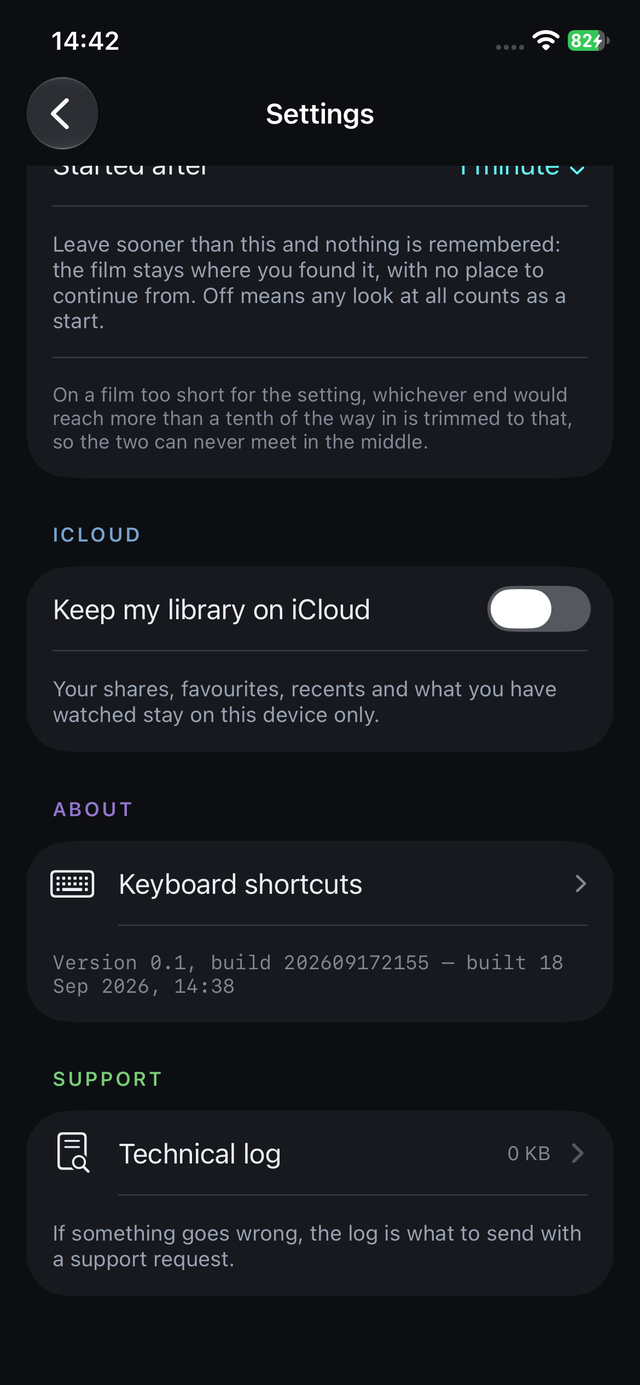
Your shares, pinned folders, recents, where you are in every film, and your settings travel by iCloud, under your own Apple ID. Share passwords go by iCloud Keychain, which is encrypted end to end. Nothing is stored with us.
Watch the second half on the train with no signal and the Mac catches up when you get home — every device's changes are kept, item by item, and nothing is lost to the newer one.
Your NAS, at home and away
SMB 2 and 3 shares — a Synology, a QNAP, a Mac, a Raspberry Pi in a cupboard. A share is tested before it is saved, so a typo is caught at the door rather than in the dark. A share that is off the network says so quickly instead of leaving you looking at a spinner.
Your colour
The controls, the highlights and the scrubber take one of the six colours of the app's own icon — cyan, azure, violet, magenta, amber or green. Pick it once; it follows you to your other devices with the rest of your taste.
Under the bonnet
Demuxing and decoding by FFmpeg, built under the LGPL and linked as a framework, with Apple's VideoToolbox doing the hardware decode and handing each frame to the display as-is. At a film's native frame rate no pixel is touched by the app at all. HDR (PQ and HLG, and Dolby Vision in MP4 and MOV) is handed to Apple's own media pipeline, which knows the display.
There is also an experimental motion-interpolation mode that can raise a 24-frame film to 60 on the GPU, from a research project on temporal shaders. It is marked experimental, measures what your device can sustain, and can be switched off in one tap.
What it doesn't do
Some things it doesn't do, on purpose.
No posters, no artwork. Cadence never downloads a cover, a synopsis or a rating, and never stores one. Your folder names are the interface, and if they are as tidy as most people's, that is all the interface you need.
No library database. Nothing is scanned or indexed. There is no "add your media folders and wait", and nothing to rebuild when a drive is renamed. The only things the app keeps are the shares you saved, the folders you pinned, what you played and how far you got.
No server, no transcoding. It plays the file as it is, from where it is, on the device in your hand. There is nothing to install on the NAS and nothing running when you are not watching.
No accounts, no analytics, no adverts. There is no sign-up. The app sends nothing anywhere; the only data that leaves your device is your own, to your own iCloud, and only if you leave that switched on.
No DRM. Films bought from a store with copy protection will not play in any third-party player, this one included.
If you want the cinema-lobby experience — posters, cast lists, "because you watched" — Jellyfin and Plex do it superbly and Cadence is not trying to. Half of this household gets on very well with them.
Cadence is for the other half: the person who keeps a tidy NAS, knows where everything is, and would rather open the folder and press play. The focus is speed, fidelity, and working the same on every Apple device you own.
Formats
What it plays.
Cadence reads containers and decodes streams with FFmpeg, and uses the hardware decoder in your device for the codecs it has. Green marks what is decoded in hardware on current Apple chips.
Containers
MKVWebMMP4M4VMOVMPEG-TSM2TSMPEG-PSAVIFLV
Audio on its own too: MP3, AAC, FLAC, Ogg, WAV, AC-3, DTS.
Video
H.264 / AVCHEVC / H.265, 8 and 10-bitAV1VP9VP8MPEG-4 Part 2MPEG-2Motion JPEG
Hardware decoding needs a chip that has the codec: AV1 from the A17 Pro and M3 onwards, for instance. Where the chip lacks it, the film plays in software.
Audio
AACAC-3 (Dolby Digital)E-AC-3 (Dolby Digital Plus)DTSDolby TrueHDMLPFLACALACOpusVorbisMP3MP2PCM
Everything is decoded in the app and mixed for your output; passthrough hands the soundtrack to the system for the formats it handles itself.
Tracks inside the file. Text tracks are rendered by the app in your chosen style; picture tracks are shown as they are.
HDR
HDR10 / PQ, HLG, and Dolby Vision inside MP4 and MOV, played through Apple's own pipeline so the display's tone mapping applies.
Sources
SMB 2 and 3 shares on your network, by name or address, with a port if you use an unusual one. Files on this device through the Files app on iPhone and iPad and the Finder on the Mac, remembered so they can be reopened.
Devices
The same app, at home on each screen.
iPad. The whole screen for the film, the front page and Settings in a readable column at full width, and the phone layout in Split View. Every orientation, including upside down for the stand on the kitchen shelf.
iPhone. The front page is what you have been watching and where it is. Settings is one page: interpolation, picture, colour, sound, subtitles with a live preview, iCloud.
Mac. The player is a window, with everything a Mac window should have — and one thing more: a pin that keeps it above the work you are pretending to do.
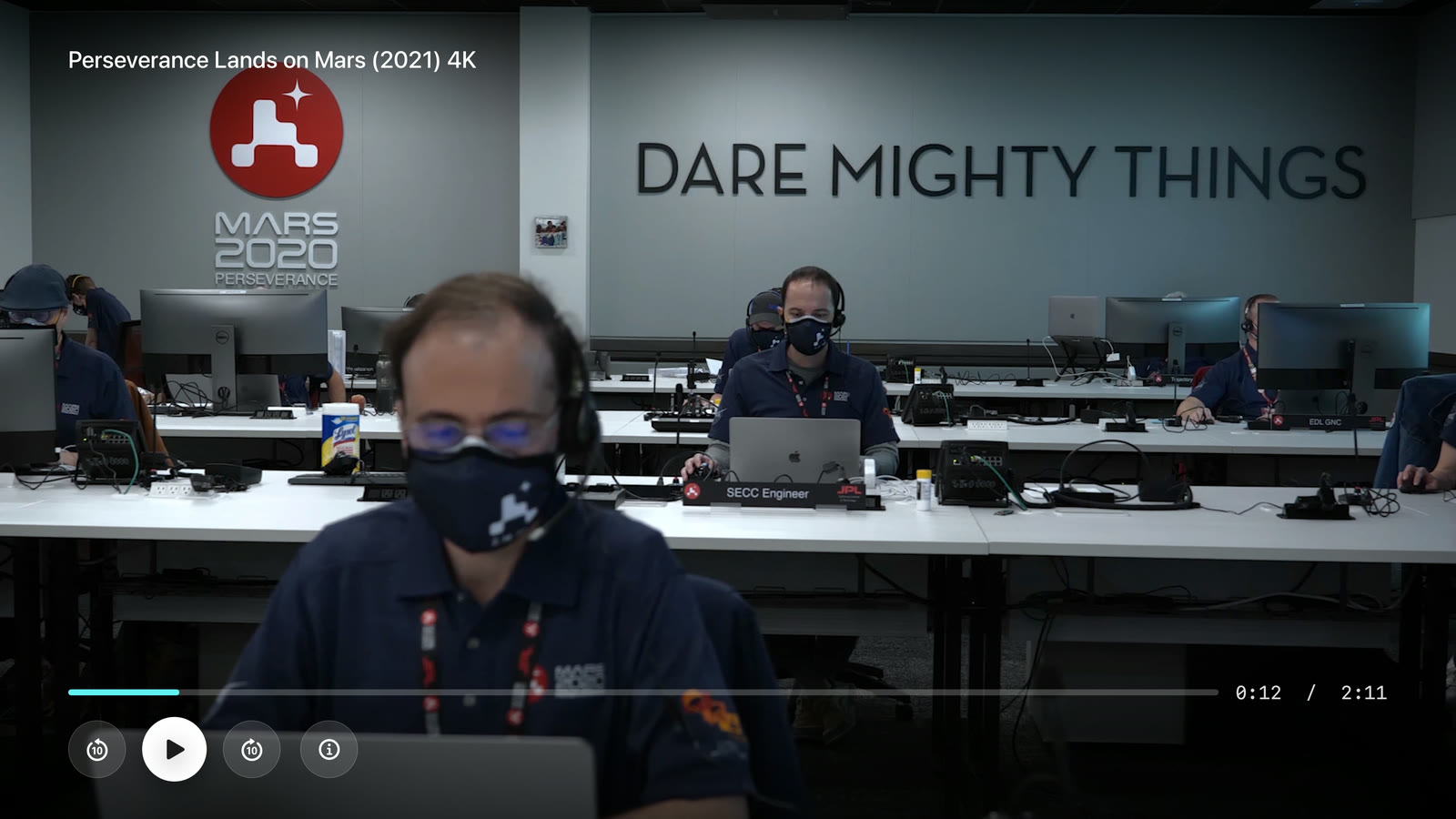
Apple TV. The same library on the big screen, driven by the Siri Remote: click to pause, swipe to skip, up for the soundtrack and subtitles, and the timeline scrubs, faster the longer you hold it.One player. Buy it once and it is yours on every Apple screen you own, with your shares, your pinned folders and your place in every film travelling by iCloud.
Price
One purchase. That's it.
Cadence is £4.99 on the App Store, paid once. Apple sets the equivalent in your own currency, and that is the whole price.
No adverts, no in-app purchases, no features held back for a "pro" tier.
No account and no hidden fees. Apple takes the payment; we never see your card.
Updates included. Fixes and new features arrive through the App Store as ordinary updates.
Refunds through Apple, under the App Store's own terms, like any other app.
Questions
The things people ask.
Do I need an account?
No. There is nothing to sign up for. Buy it on the App Store, open it, add a share or open a file. If you want your shares and history on your other devices, that goes through the iCloud account already on the device, and you can switch it off in Settings.
What does it need?
macOS 26 or later on the Mac; iOS 26 or iPadOS 26 or later on the phone and the tablet; tvOS 26 or later on the Apple TV. Cadence uses what those systems added rather than carrying old code for older ones, which is part of why it is small.
Can I take films with me?
Yes. Download a file, or a whole folder, from your NAS to the device — a long-press on the phone, the download button on the Mac and the Apple TV — and it plays from the front page with no network at all. Downloads resume if they are interrupted and are checked against the original when they finish. On Apple TV they live in the system's cache, which the television may clear when it needs the room.
Is it in my language?
The app speaks English, German, French, Spanish, Italian, Brazilian Portuguese, Japanese, Korean and Simplified Chinese, and follows the language your device is set to. The soundtrack and subtitles it picks first follow that language too, and you can choose another in Settings.
How do I add my NAS?
Shares → Add a share. Give it a name, the host (a name like nas.local or an address, with :port if you use an unusual one), the share name, and your user and password. Cadence tests the connection before it saves, and tells you plainly if the host is not answering or the password is wrong. The password goes into your keychain, never into a file.
Will it play my MKVs with DTS or TrueHD sound?
Yes. The soundtrack is decoded in the app and mixed for whatever you are listening on — the phone's speaker, headphones, AirPlay or a receiver — with a dialogue control for quiet films. If you have a receiver that would rather decode for itself, Passthrough hands it the formats the system supports natively.
Does it remember where I was?
Every film, by its content rather than its name, so the same file on two shares is one record. Come back and it offers to continue or start again; finish it and it is marked watched; finish an episode and the next one in the folder plays, if you want it to. All of this travels between your devices.
What exactly syncs, and what happens if two devices disagree?
Shares (with passwords by iCloud Keychain), pinned folders, recents, where you are in each film, and your settings, including your colour. Sync is reconciled item by item: something added on one device is kept, something edited on both keeps the later edit, and a deletion is honoured unless the thing was edited afterwards elsewhere. A device that was offline for a fortnight merges when it returns without losing a thing on either side.
Does it work without iCloud, or offline?
Entirely. iCloud is a switch in Settings; with it off, everything stays on the device. Playback never needs the internet at all — only your network, for a share, and not even that for a file on the device.
Why is there no Picture in Picture on the Mac?
Because a Mac already has the better version of it: a window. The player window can be pinned to float above everything else, at whatever size you drag it to, and you can go full screen with a double-click. On iPhone and iPad, where a window is not a thing, Picture in Picture is there.
Can I make the subtitles bigger, or change the font?
Size, weight, typeface (sans, rounded or serif), colour, an outline and a shadow or either alone, and a translucent band behind the text for bright scenes. Settings shows a live preview of your line over four backgrounds. Picture subtitles (PGS from Blu-rays, DVB, DVD) are drawn as they are, since they are pictures.
What is the motion-interpolation mode?
An experiment, marked as one. Cadence grew out of a research project on temporal shaders — GPU programs that make new frames between the ones in the file — and the player can raise a 24-frame film to 48 or 60. "Auto" measures what your device can sustain for the clip and keeps to that; "Off" plays the film exactly as it was made. Some people love it, some people hate it, and both are right, so it is a switch.
Will it play films I bought from iTunes or another store?
No. Those are copy-protected and can only be played by the store's own app. Cadence plays ordinary files: the ones you ripped, recorded, downloaded or made.
What data does the app collect?
None. No analytics, no crash-reporting service of ours, no advertising identifier, no network request except to your own share or your own iCloud. If your device is set to share crash reports with Apple, Apple may pass those on to us; that is the only way anything reaches us, and it contains no personal information. See the privacy policy.
Something is wrong. How do I tell you?
Email support@cadencevideoplayer.com with the device, its system version, what the file is (the container and codecs, if you know them — the player's info panel shows them) and what happened. Real bug reports get real answers; see Support for what helps most.
For bugs, questions, files that will not play, and things you wish it did. Cadence is made by a very small team, and the person who reads this address is the person who fixes things.
What helps most in a bug report
The device and its system version (Mac / iPhone / iPad / Apple TV; macOS 26.x, iOS 26.x, tvOS 26.x).
Whether the file was on the device or on a share, and what kind of NAS if so.
The file's container and codecs — the ⓘ panel in the player lists them — or a sample if you can share one.
What you did, what you expected, and what happened instead.
 Cadence